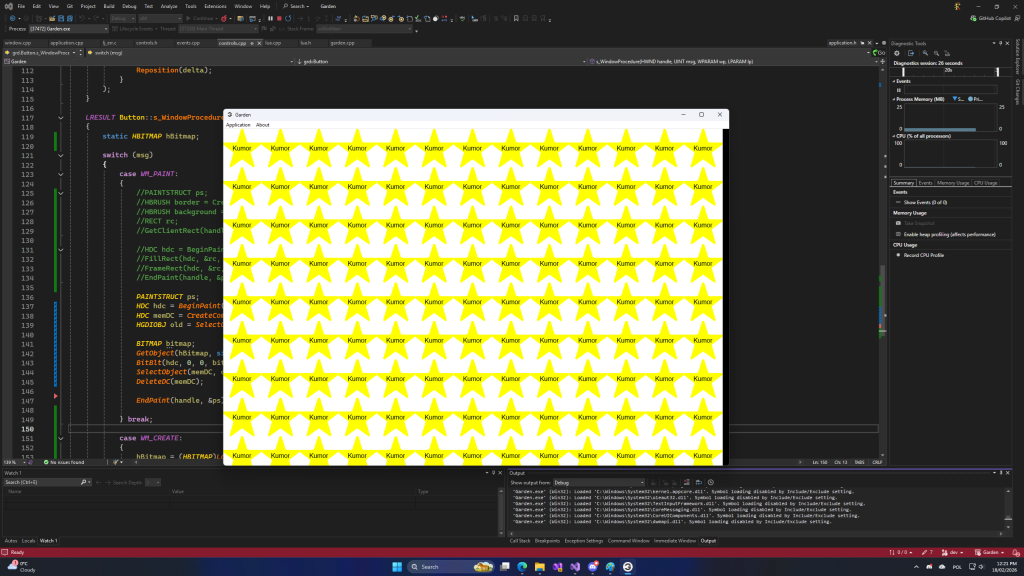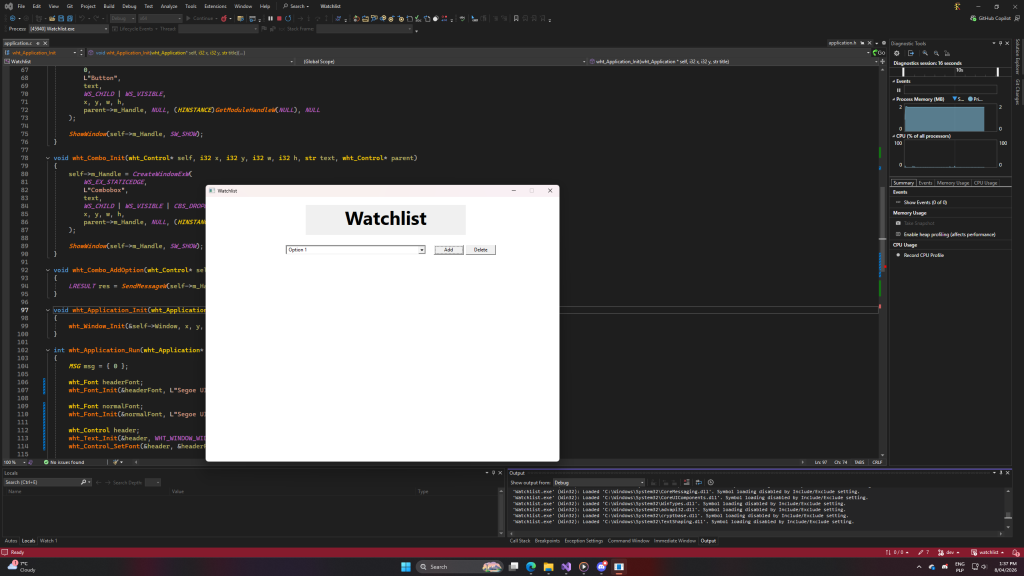
I’m working on an app that would keep track of what episodes I watched of YouTube/TV series.
It’s going oki. I’m just not really focused on it that much (or on the code part of things, at least).
I also figured out a good way to do headers & documentation comments. (finally)
/* ================================================================================
*
*	$Project: Watchlist
*
*	$Module: Logic
*	$File: application.h
*
*	$Purpose: Defines the application structure and its associated functions. The
*	application is responsible for managing the main loop and handling
*	application-wide resources.
*
*	$License: MIT
*	$Author: The Kumor
*
* ================================================================================ */
/* ------------------------------------------------------------------------
* $Name: wht_Text_Init
*
* $Purpose: Initializes a text control with the specified parameters and
* creates the control's window as a child of the specified parent control.
*
* $Parameters:
* self: Pointer to the control to be initialized.
* x: The x-coordinate of the control's position.
* y: The y-coordinate of the control's position.
* w: The width of the control.
* h: The height of the control.
* text: The text to be displayed in the control.
* ------------------------------------------------------------------------ */
void wht_Text_Init(wht_Control* self, i32 x, i32 y, i32 w, i32 h, str text, wht_Control* parent);/* ------------------------------------------------------------------------
* $Name: wht_Window
*
* $Purpose: Window structure for encapsulating properties specific to a
* window control, inheriting from the base control structure.
*
* $Members:
* Control: The base control structure for the window,
* containing common control properties.
* ------------------------------------------------------------------------ */
typedef struct
{
wht_Control Control;
} wht_Window;/* ------------------------------------------------------------------------
* $Name: wht_Control
*
* $Purpose: Control structure for encapsulating common control properties.
* ------------------------------------------------------------------------ */
typedef struct
{
HWND m_Handle;
i32 m_X, m_Y;
str m_Text;
} wht_Control;Before I make some structs opaque, I’ll leave these variables with m_ prefixes available. But they’re not considered in headers.
I’ll create a documentation software that would parse these comments and C/C++/Lua/etc code and produce a searchable database of things. It’ll also include “sections” ($Section) blocks. But that’s a different project, and isn’t my immediate focus (perhaps late April?)
I figured out IntelliSense at least doesn’t break with these. And as for Visual Studio Code, it even picks up $Parameters section and makes this particular line bigger.
Visual Studio 2022’s autofill / AI is writing 50% of these comments. I also do readmes based on project reports which are partially generated by AI (I mean, 28 pages is a lot of manual labor!). But projects themselves are written fully by me, with help of the autofill for mundane tasks. I’m kind of scared people will look at these projects and be like “lol, that readme’s made by chatgpt” and assume project wasn’t done by a human. But I try not to care. People will say what they want, and in the end, I write code by myself.

I post a cat here, because I can.